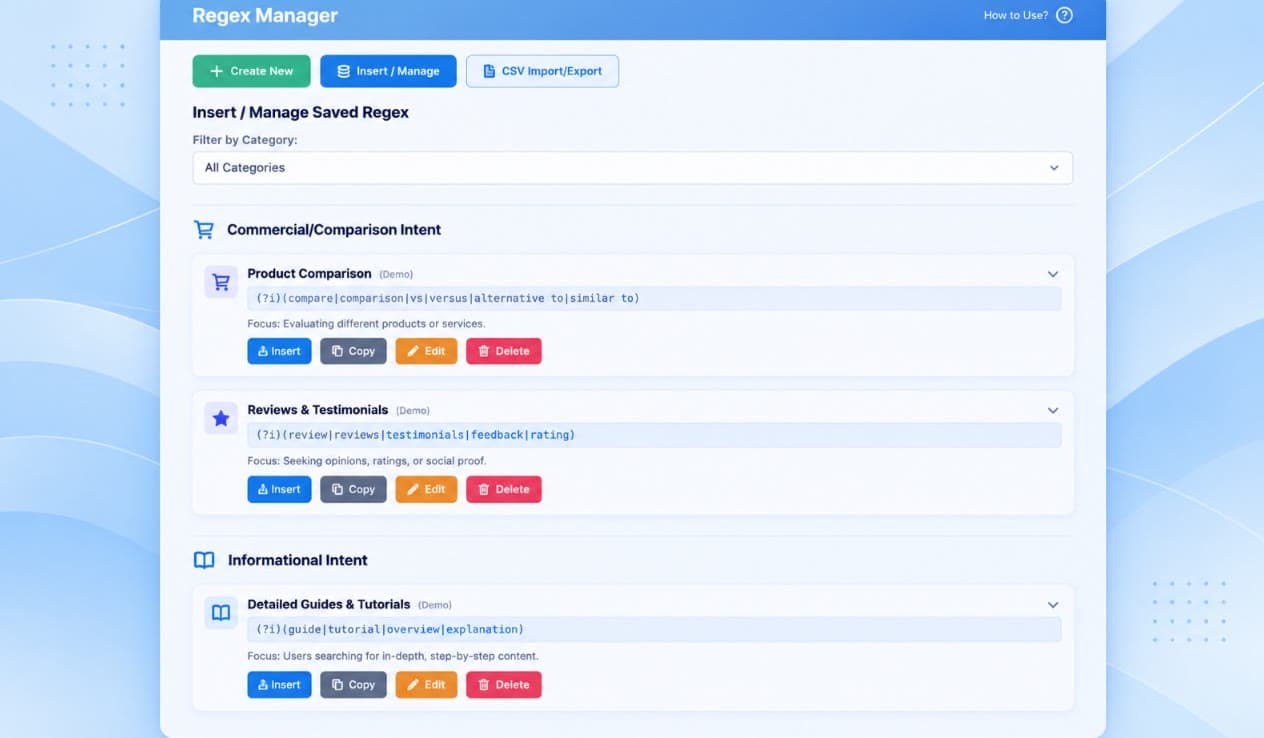
I kept needing regex patterns I'd already written and tested, then wasting time finding them again.
Regular expressions are useful in tools such as Google Search Console and GA4, but getting a pattern right can take time. Once I'd worked one out, I wanted to keep it with a name and a reminder of what it matched. Searching through old notes or rebuilding it the next time I needed it seemed an unnecessary part of the job. That's why I started building Regex Manager for myself.
Making it useful while I worked
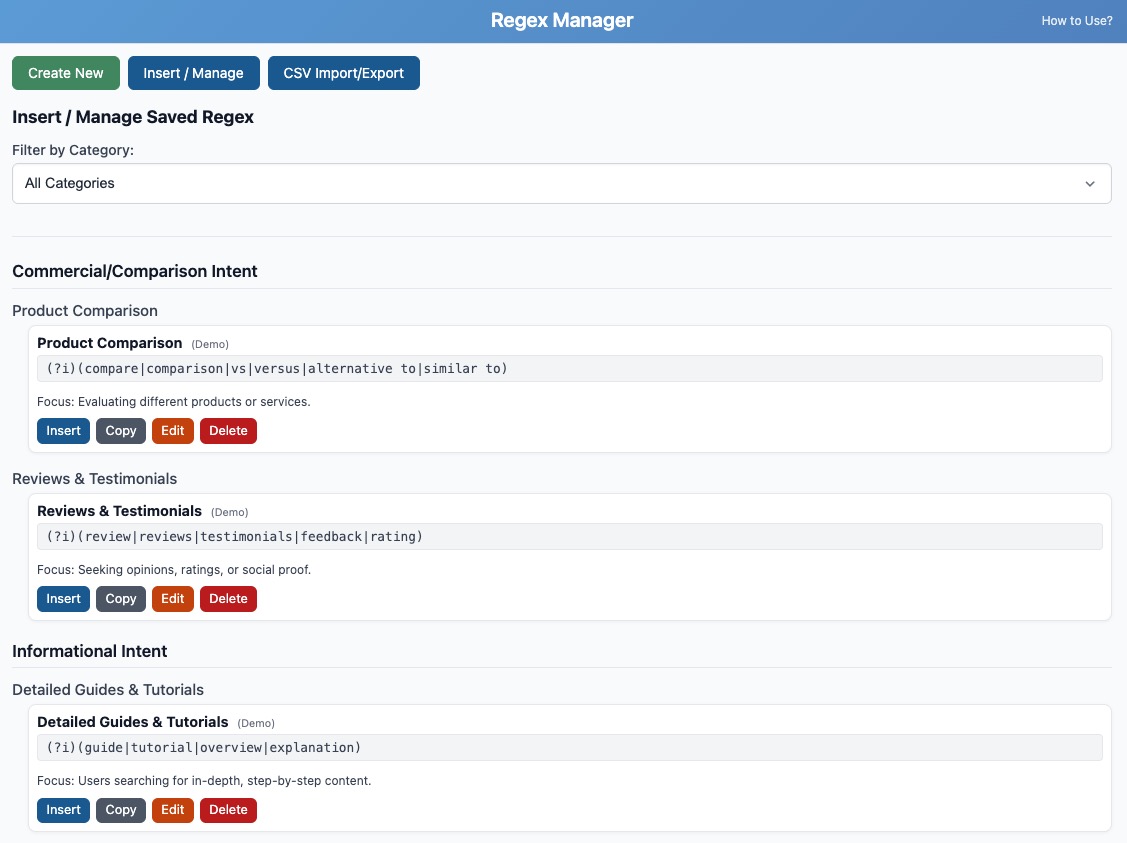
My original interface was an overlay on the webpage. I later moved it into Chrome's side panel, which made more sense. I could see my saved patterns beside Search Console or another tool without covering the page I was working on. The library grew to include names, descriptions, categories, search and CSV import and export, but the important part was being able to find the right pattern and use it quickly.
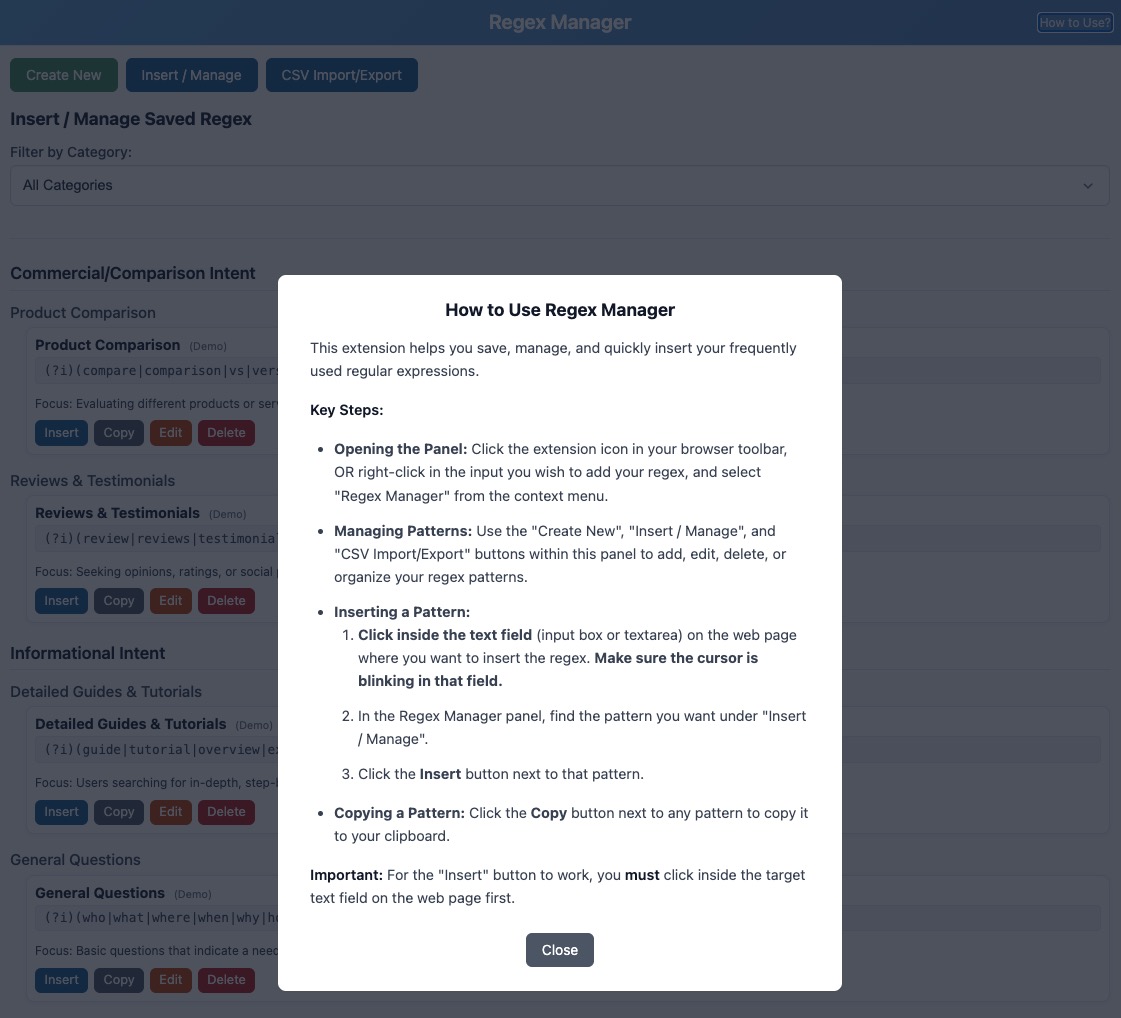
I also wanted direct insertion into a selected webpage field. That's more involved than copying a string to the clipboard. The extension has to work with Chrome's permissions and the active page without changing the expression. I tested the process through my own work, from saving a pattern to finding and inserting it later.
Sharing a personal tool
I published Regex Manager on the Chrome Web Store in 2025. In the first couple of weeks it recorded around 185 downloads, and usage data suggested that many people were returning to it regularly. A download doesn't tell me how useful the extension is, but repeated use was encouraging. It had started as a way to remove a small frustration from my own day.
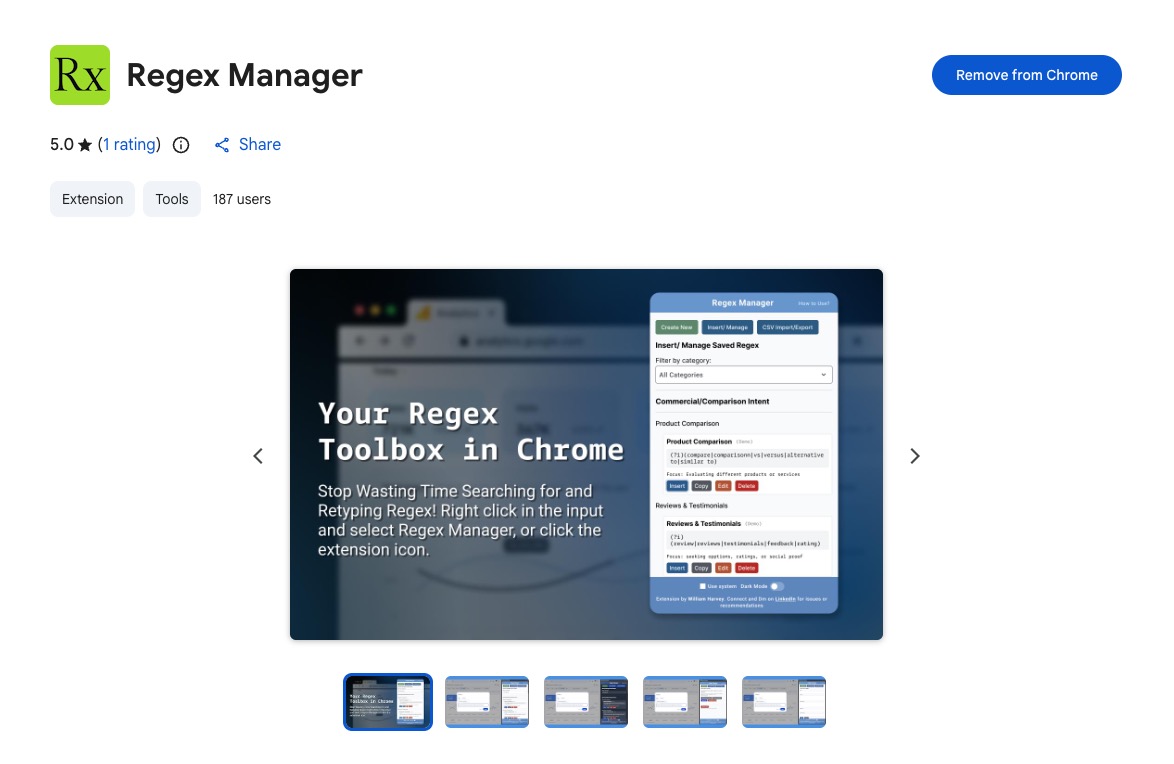
Regex Manager is available on the Chrome Web Store. The point remains the same as when I started. I want to retrieve a tested pattern and insert it without interrupting the work I'm doing.